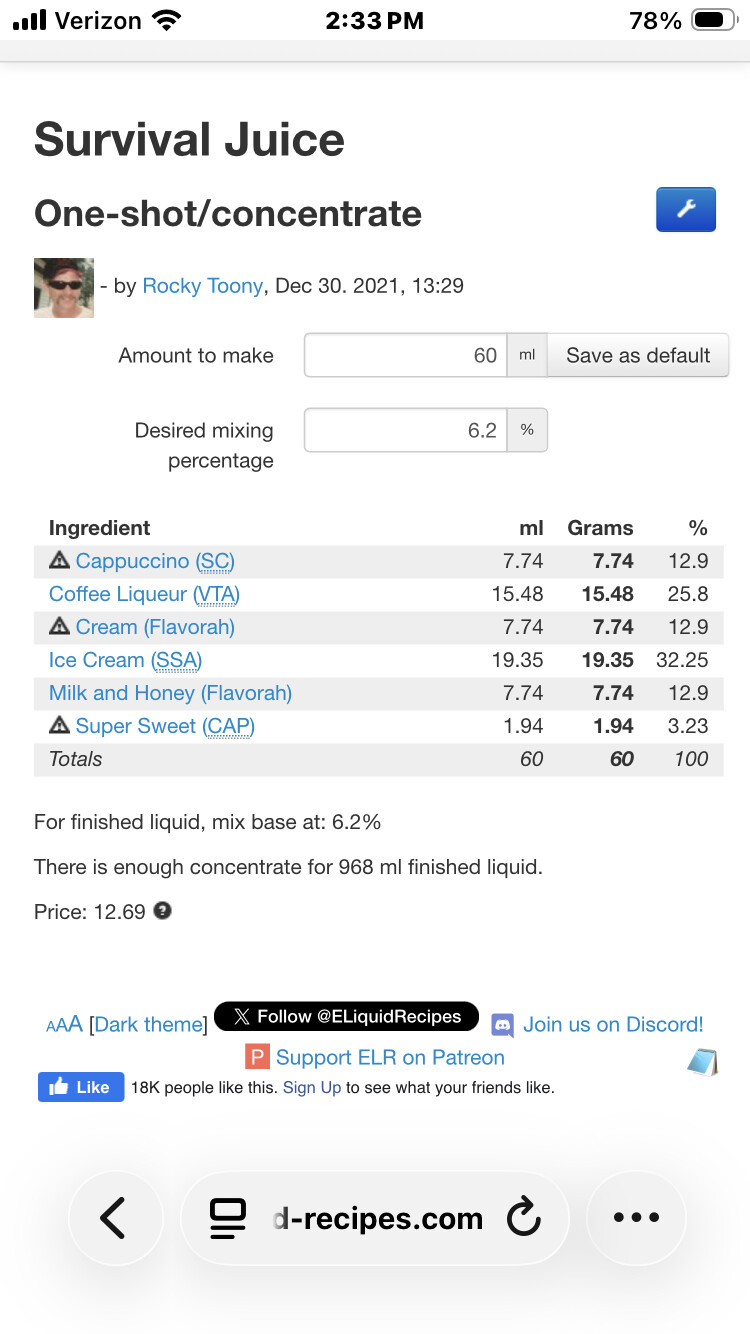
Creating, and saving Stones (Bases). With @Rocky02852 releasing the January Mix-A-Long contest which was a “Cake Base”, it reminded me of how often people have issues trying to create, and save “Stones”, or “Bases”. Over the years, there have been a lot of different solutions, and some requiring creation of a “fake” ingredient. Let me save you some time, hassles, and steps.
Start out with your actual recipe that you want to make into a Stone/Base, you can Adapt it, if you want to preserve the OG recipe, call the NEW one a Stone or Base to keep them straight …
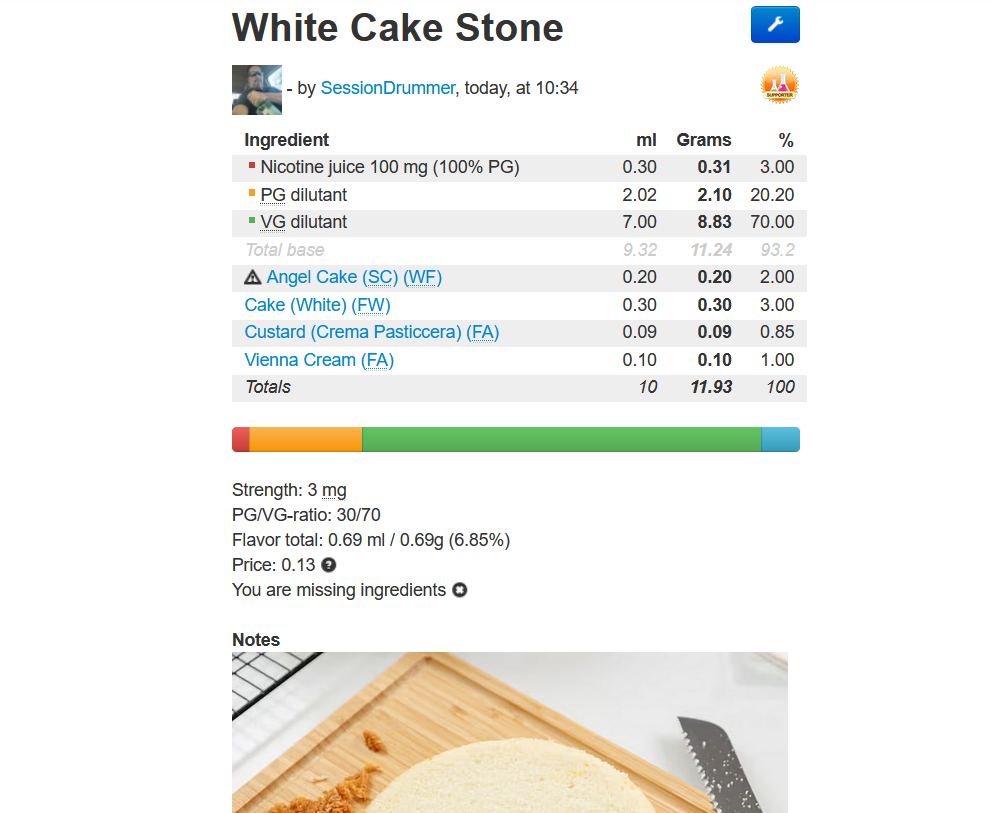
Hit the Blue Wrench, and choose Adjust Flavor Percentage, and change it to 100% …
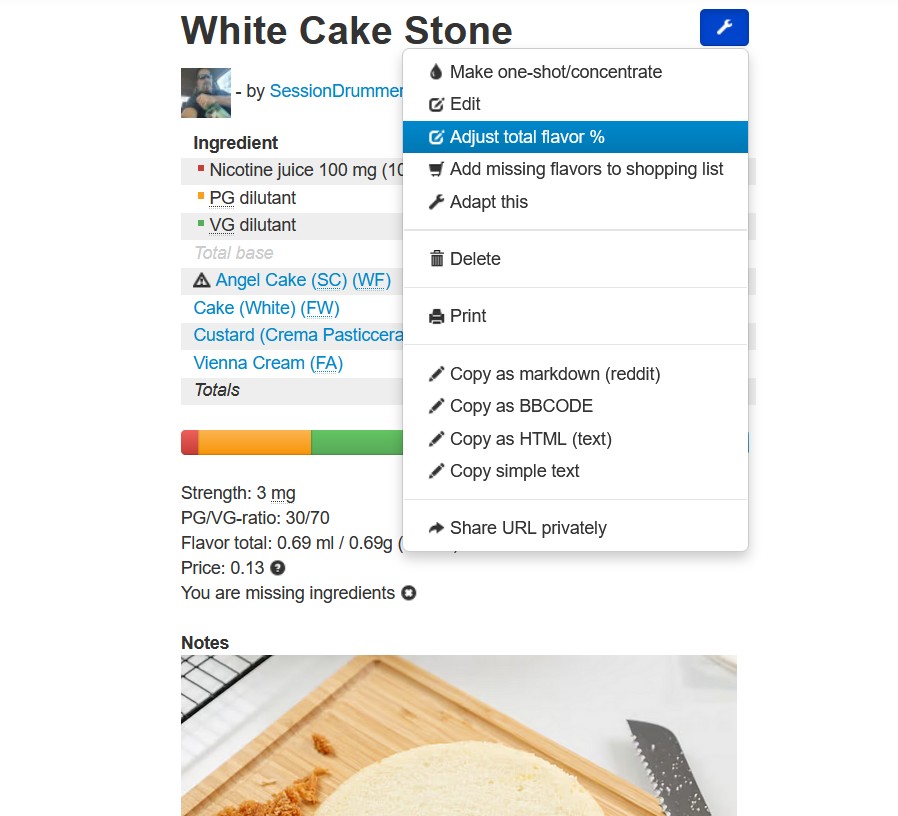
Then, before saving it, change your desired PG to 100% (assuming PG flavors), then drop your desired NIC to 0 …

Save it, and WHALLLAH, you have a Stone or Base created and saved.
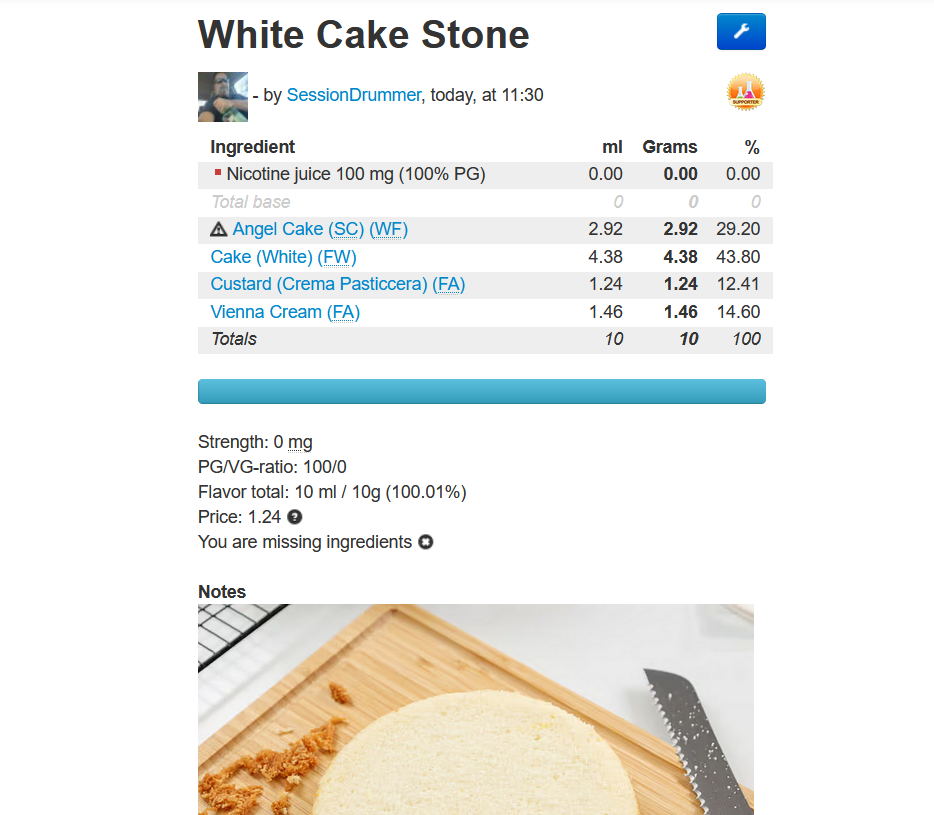
Stones, or bases can come in a helluva lotta handy especially if you are using the particular profile over and over again, in different mixes. Saves a LOT of time. If you have a recipe that is your ADV, and want to save time, make it into a Base/Stone and premix it up in a bigger bottle, then when you have to mix that recipe, you are adding ONE flavor !!! Obviously the more complex recipes, with more flavors, the MORE time you save.
Base/Stone class over.